
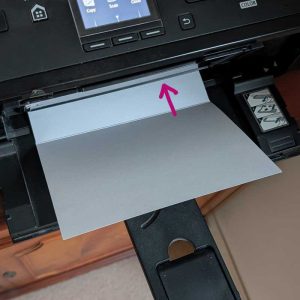
STEP 1 - Insert your card with the outside face down in your printer. Set your printer to print on A4 paper and borderless printing. Print the page with the outer design on.
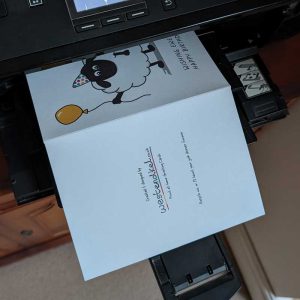
STEP 2 - Make a note on which way the design comes out.
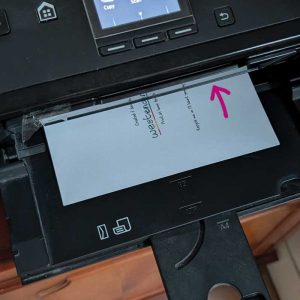
STEP 3 - Insert the card exactly how the card came out so now the inside will be facing down. Select to print the page with the inside text you require.
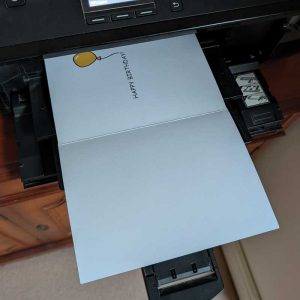
STEP 4 - The card is now complete. Write your message and give to your loved one.
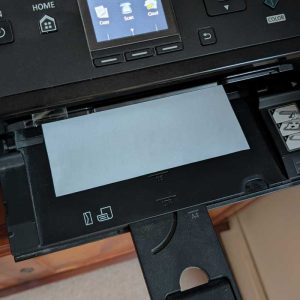
STEP 1 - Download & print our card template. Set your printer to print on A4 paper and borderless printing.
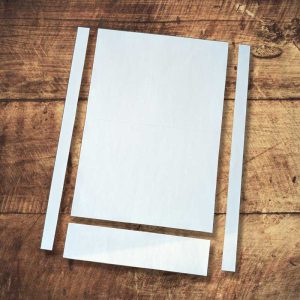
STEP 2 - Cut away the sides, leaving the finished card size before being folded.
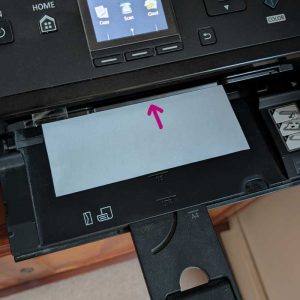
STEP 3 - Insert your card with the line side face down in your printer. Set your printer to print on A4 paper and borderless printing. Print the page with the outer design on.
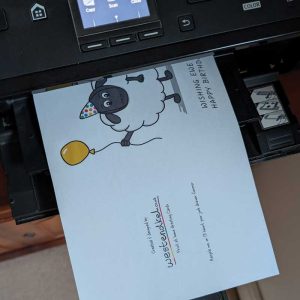
STEP 4 - Make a note on which way the design comes out.
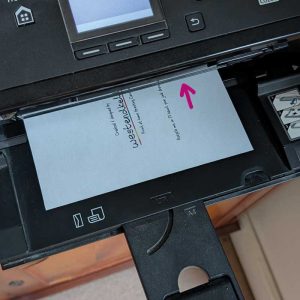
STEP 5 - Insert the card exactly how the card came out so now the inside will be facing down. Select to print the page with the inside text you require.

STEP 6 - Fold the card along the line.
STEP 1 - Download & print our envelope template. Set your printer to print on A4 paper and borderless printing.
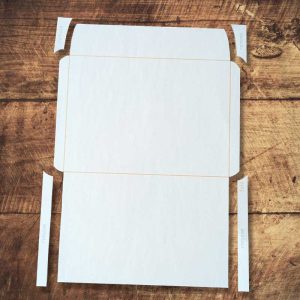
STEP 2 - Cut away four corners marked remove.
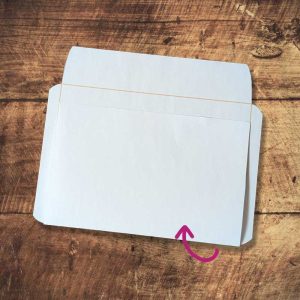
STEP 3 - Fold the bottom up along the yellow line.
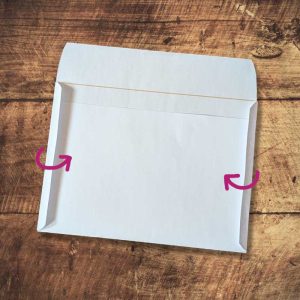
STEP 4 - Fold the two sides in and tape them down.

STEP 5 - Insert your printed and signed card.

STEP 6 - Fold the top down long the yellow line and seal with some tape.